Cancel Current Job from Canon MFP
If you wish to cancel a job from a Canon MFP, while it is being printed, follow the instructions below:
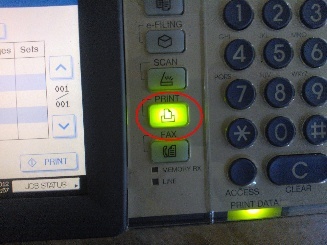
Press the Print button
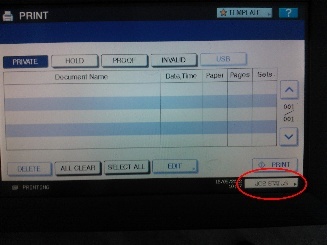
Navigate to your current printing job from the touch screen, by selecting JOB STATUS.
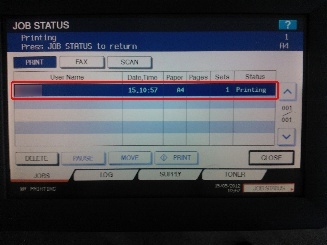
Select the current printing job.
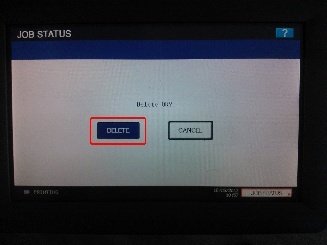
Press Delete to cancel the job.