SPSS 24 installation
SPSS ver. 24 installation from .exe file. Link to the file : https://metrodvd.edu.metropolia.fi/SPSS/win/
Step-by-step guide
- download either SPSS_Statistics_24_win64.exe or SPSS_Statistics_24_win32.exe
- start installation by double clicking the file
- choose "Next"

- Accept Terms and press "Next"

- Press "Next"
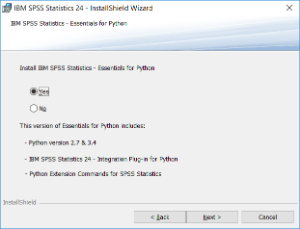
- Accept Terms and press "Next"

- Accept Terms and press "Next"

- In the "Destination Folder" WIndows press again "Next"
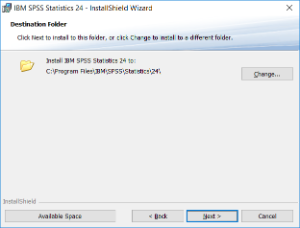
- In the "Ready to Install Program" - window press "Install"
- After installation let SPSS start

- Choose "License Product". SPSS will shutdown and IBM SPSS Statistics 24 Licensing will start

- Choose "Next"
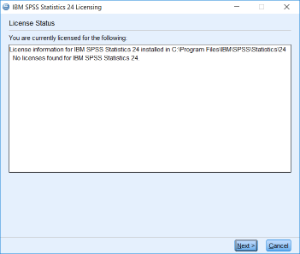
- Product Authorization, select default and press "Next"

- Enter license code and choose "Next"
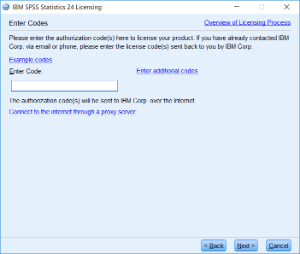
- After entering the right code you should get "Success" -information
